
In this guide
- DPI is the least useful number on the box
- Weight changes how you play
- Wired or wireless
- The gaming mice worth buying
- Polling rate and switches, the two specifications worth reading
- What to skip
- Grip decides shape
- How we picked
- Does a gaming mouse improve aim?
- What DPI should I use?
- Is wireless worth the extra money for gaming?
- How long should a gaming mouse last?
Mouse brands compete on DPI because it is the one specification that goes up. A 26,000 DPI sensor sounds like more mouse than an 8,000 DPI one. Almost nobody plays above 1,600.
Weight, shape and switch feel decide whether you like a mouse. None of the three appear in the headline on the box, and all three are the reason people replace one.
⚡️ Quick Picks
DPI is the least useful number on the box
DPI counts how far the cursor travels for a given hand movement. Raise it and the cursor moves further for the same flick. Competitive players run 400 to 1,600 because low DPI gives finer control over small corrections, and the corrections are where aim is won.
A 26,000 DPI sensor is not more accurate than an 18,000 DPI one at 800 DPI. Both track the same surface with the same optical package. The number describes a ceiling you will not approach.
What separates sensors is behaviour under speed. Cheap sensors introduce angle snapping, which straightens your movement for you, and prediction, which guesses where you meant to go. Both feel helpful for a week and then feel like the mouse is arguing with you.
Weight changes how you play
Lighter mice flick faster and tire your wrist less over a long session. Heavier mice hold a line better for slow tracking. Neither is correct, and the difference between 60g and 100g is obvious within a minute of using both.
| Weight | Class | Suits |
|---|---|---|
| Under 60g | Ultralight | Low sensitivity FPS, wide arm movements |
| 60g to 80g | Light | Most players, most genres |
| 80g to 100g | Standard | Slow tracking, MMO and strategy |
| Over 100g | Heavy | Palm grip and long desk sessions |
Weights exclude the cable, which adds drag a wireless mouse does not have.
Wired or wireless
Wireless latency stopped being an argument. A 2.4GHz dongle running at a 1,000Hz polling rate sits under a millisecond, which is below the threshold anyone has demonstrated a human detecting. Bluetooth is a different matter and remains too slow for a shooter.
The real cost of wireless is money and charging. A wired mouse at $60 has the sensor of a wireless one at $150, and it never runs flat during a match. Buy wireless for the clean desk, not for the performance.
The gaming mice worth buying
Every mouse below clears 4.2 stars on Amazon Australia. Ratings and review counts were checked in March 2026.
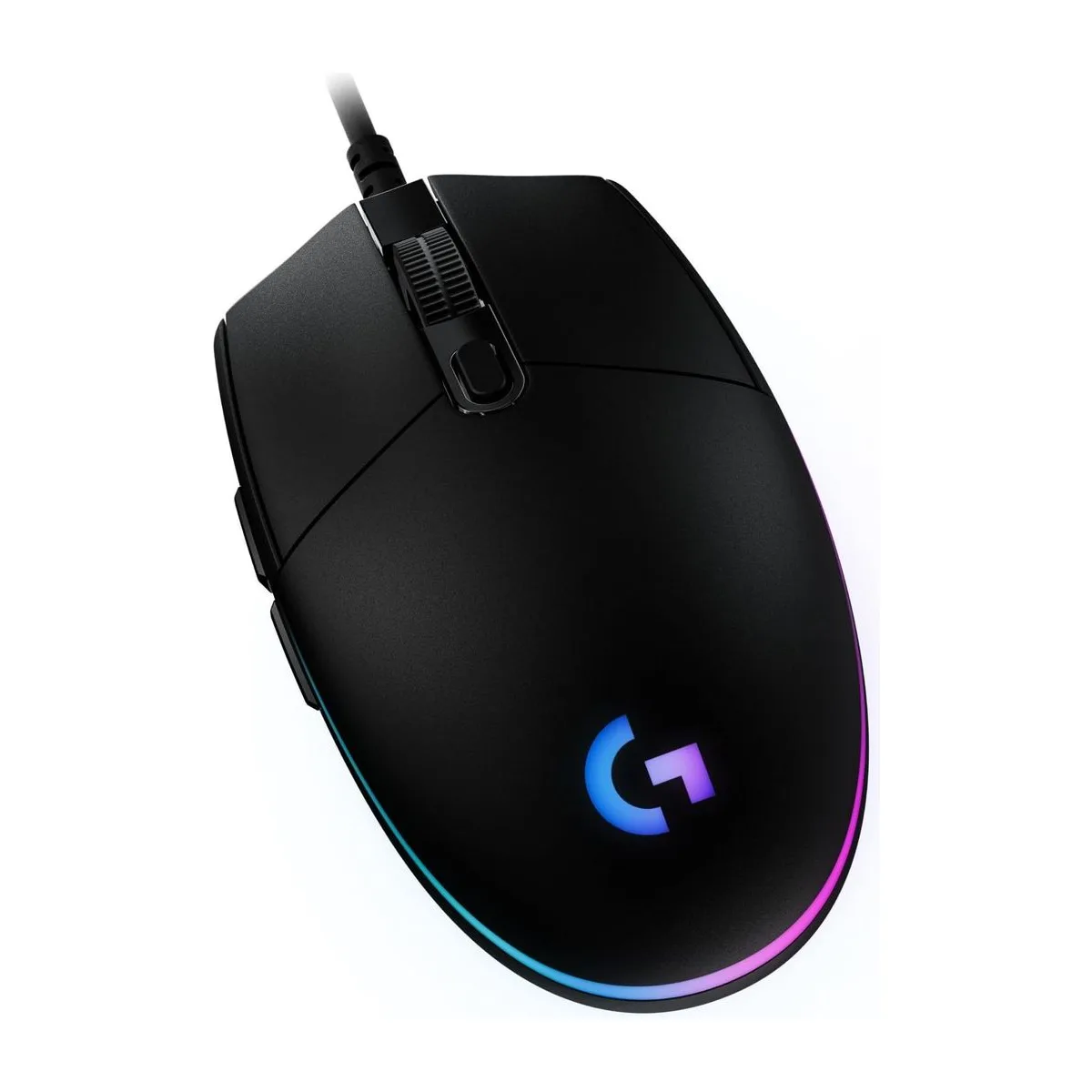
Logitech G203 Lightsync
An 8,000 DPI wired mouse with Lightsync RGB and Logitech's own switches. The default recommendation in this price bracket for six years running.
The Good
- 8,000 DPI sensor with no smoothing or angle snapping in the range people play at
- Logitech G Hub stores settings on the mouse, so they follow it between machines
- Six buttons covers everything short of an MMO
- 18,000 ratings and the highest average of any wired mouse here
The Bad
- 85g without the cable puts it in standard rather than light
- Symmetrical shape suits medium hands and cramps large ones
- Rubber cable drags more than a braided one
Our Verdict
The one to buy if you are not sure what you want. It has no weak point, costs less than a game, and the sensor is the same class as mice at three times the money.
Glorious Model O
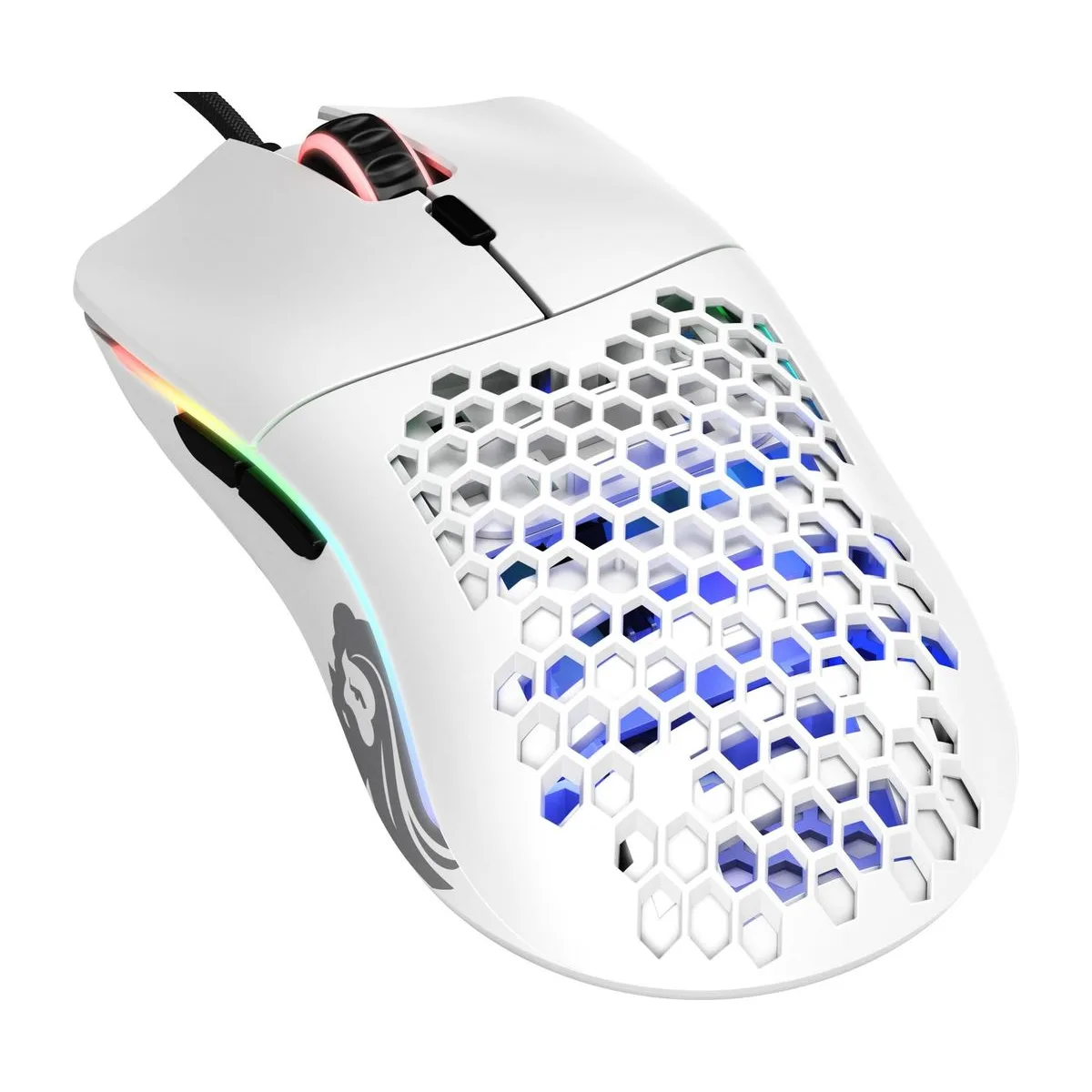
A 67g ambidextrous mouse with a honeycomb shell and the flexible Ascended braided cable that made wired mice feel wireless.
The Good
- 67g is genuine ultralight territory and the flick speed difference is immediate
- Ascended cable is light enough that the drag disappears
- Ambidextrous shell fits claw and fingertip grips
- PTFE feet glide without needing replacement skates
The Bad
- Honeycomb shell collects crumbs and dust inside the body
- Shell flexes if you squeeze it hard
- Cutouts put you off if you eat at your desk
Our Verdict
Buy it for the weight. If you play at low sensitivity and move the whole mouse to aim, dropping 20g off your hand is the single biggest change you can make for under $100.
Razer DeathAdder Essential
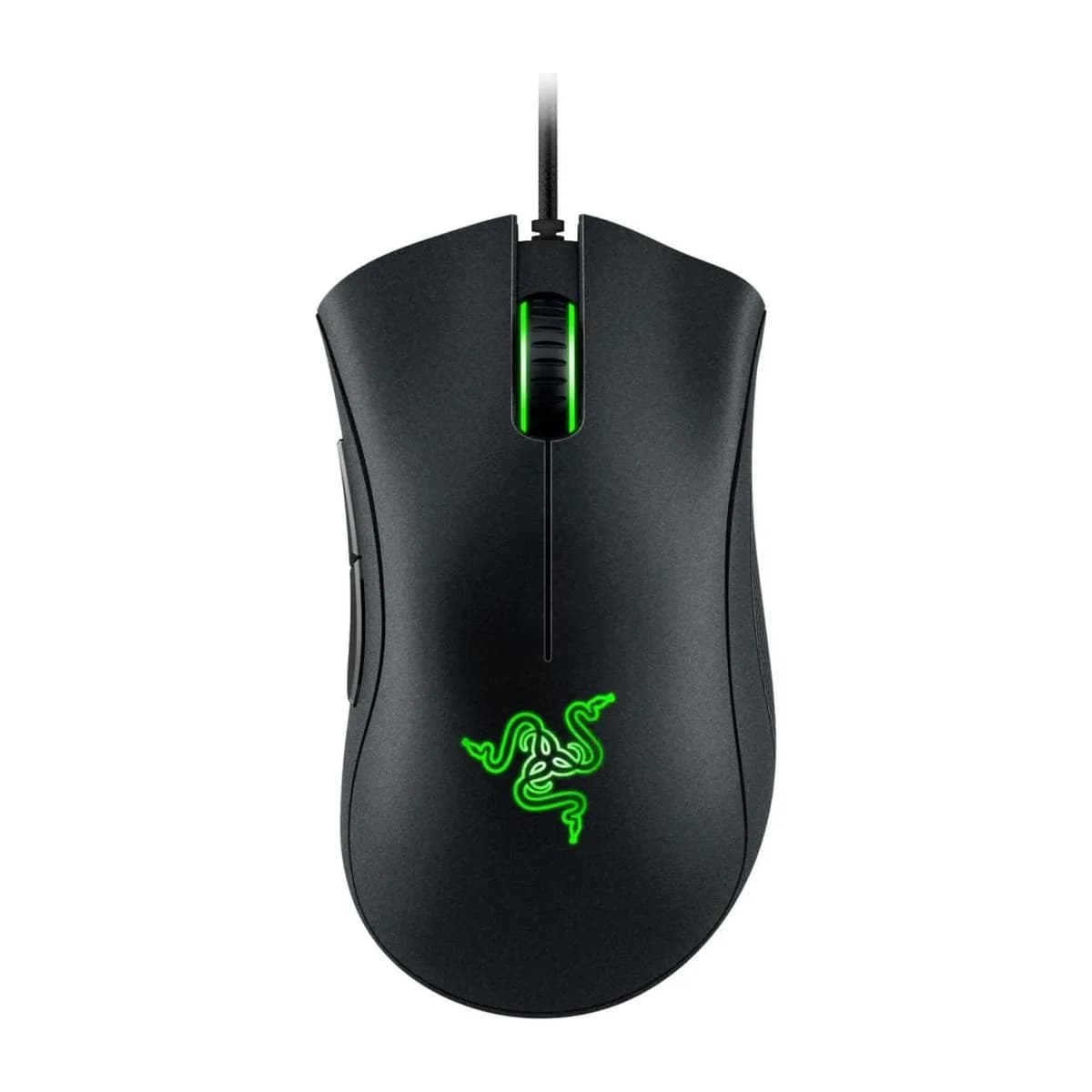
A 6,400 DPI optical sensor in the DeathAdder shell, with mechanical switches rated to 10 million clicks and a two year warranty.
The Good
- The DeathAdder shape is the most copied ergonomic design in the category for a reason
- Right-handed hump supports a palm grip through long sessions
- Cheapest mouse here and still carries a two year warranty
- DPI buttons sit under the wheel rather than buried in software
The Bad
- 10 million click rating is the lowest in this group
- 96g and a stiff rubber cable make it the draggiest
- Right-handed shape with no left-handed variant
Our Verdict
The palm grip pick and the cheapest way into a real sensor. If your hand rests flat on the mouse rather than arching over it, this shape will suit you better than anything else on the list.
SteelSeries Rival 5
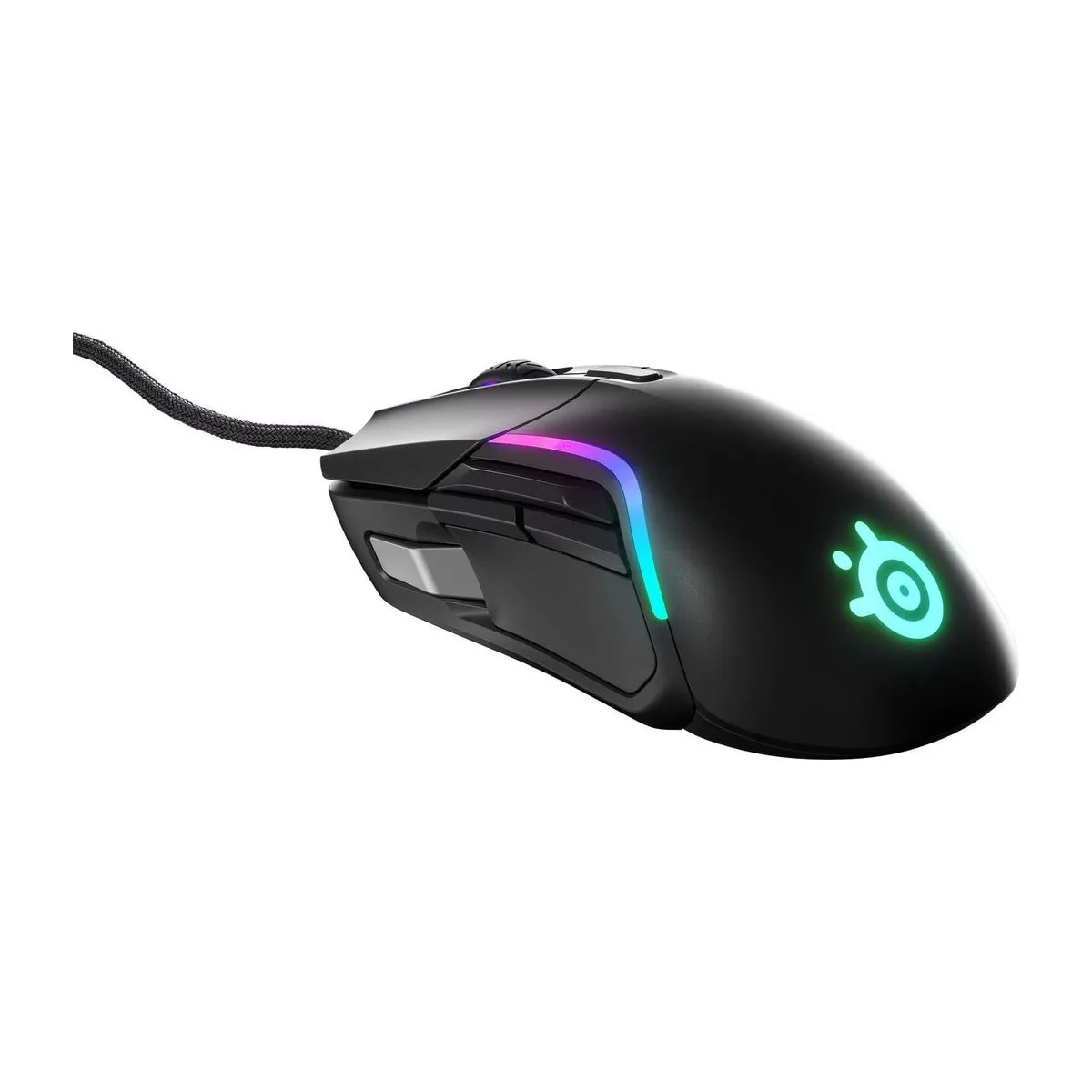
An 85g nine button mouse with the 18,000 CPI TrueMove Air sensor and ten zone RGB, aimed at players who move between shooters and MMOs.
The Good
- Nine buttons covers MMO rotations without a dedicated thumb pad
- TrueMove Air tracks 1 to 1 with no prediction across the usable range
- 85g with a light cable, which is unusual for a button-heavy mouse
- Golden micro switches rated to 80 million clicks, eight times the DeathAdder
The Bad
- Nine buttons take a week to learn and get pressed by accident until then
- Sits above the G203 on price for a similar sensor
- SteelSeries software is heavier than it needs to be
Our Verdict
The pick if you play more than one genre. The button count earns its keep in an MMO and stays out of the way in a shooter, and the switch rating means it outlasts most of this list.
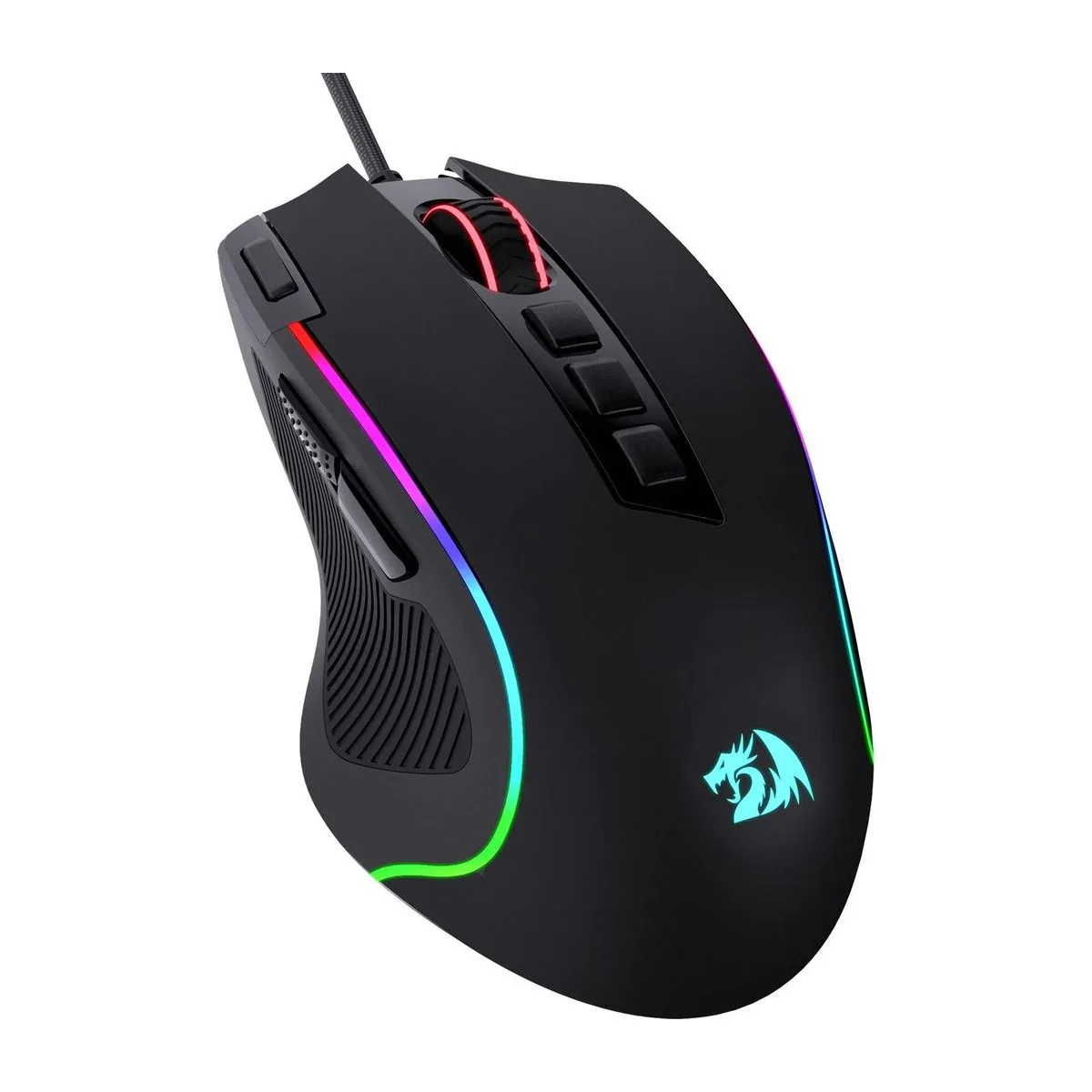
Redragon M612 Predator
An 8,000 DPI wired mouse with eleven programmable buttons and five backlit modes, priced below every branded alternative here.
The Good
- Eleven programmable buttons at a price other brands charge for six
- Five DPI presets switch on the mouse without software
- 4.6 stars from close to 10,000 buyers
- Software runs without an account
The Bad
- 126g is the heaviest here and you feel it during long sessions
- Build quality sits below Logitech and SteelSeries
- Switch rating is not published
Our Verdict
The budget MMO pick. It weighs too much for a shooter, and if you need eleven buttons for a rotation you will not find them cheaper anywhere else.
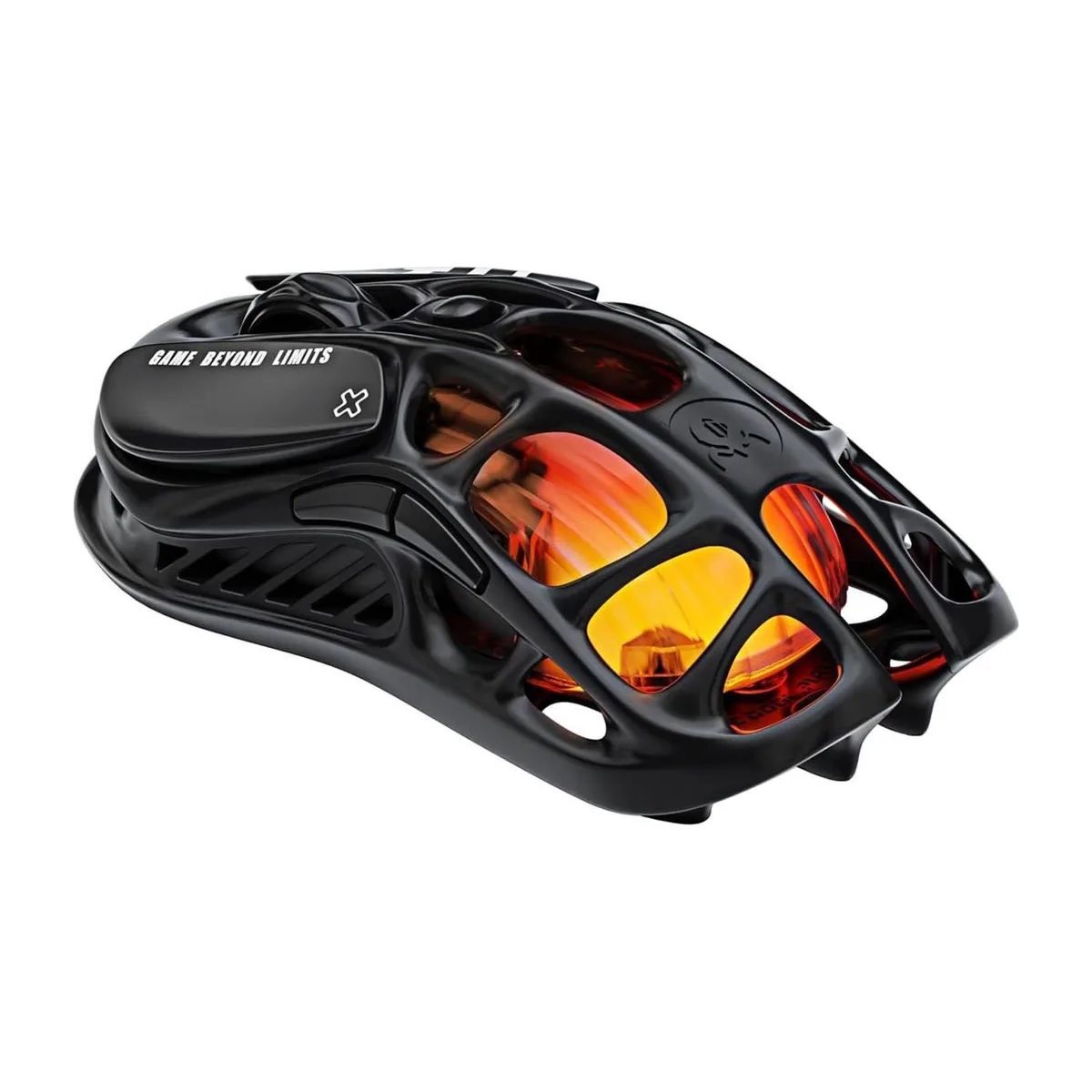
GravaStar Mercury M2
A 79g wireless mouse using the PAW3395 sensor at up to 26,000 DPI, in a hollowed-out shell with a 1,000Hz polling rate.
The Good
- PAW3395 is the same flagship sensor used in mice at twice the price
- 79g wireless is lighter than most wired mice here
- 1,000Hz polling over 2.4GHz keeps latency under a millisecond
- Charges over USB-C and keeps working while plugged in
The Bad
- 26,000 DPI is a number you will never use
- Hollowed shell shares the Model O's dust problem
- 1,495 ratings is a thin sample next to the Logitech and Razer
Our Verdict
The wireless pick for people who want the weight without the cable. The sensor is flagship class and the price is not, though the review count means you are buying on less evidence than the rest of this list.
Polling rate and switches, the two specifications worth reading
Polling rate counts how often the mouse reports its position. At 1,000Hz that is once a millisecond, which every mouse on this list manages. Brands now advertise 4,000Hz and 8,000Hz, which shortens the gap to a quarter of a millisecond and costs CPU time to process. Nobody has shown a player detecting the difference, and the 8,000Hz modes drain a wireless battery in a third of the time.
Switch ratings tell you more. A mechanical switch has a click count before it starts double-firing, where one press registers as two. The Rival 5 is rated to 80 million, the DeathAdder Essential to 10 million. A double-click fault is the most common way a mouse dies, and it arrives without warning in the middle of a match.
The surface under the mouse matters as much as the sensor above it. Optical sensors read texture, so a bare desk gives them almost nothing to track and a glossy one gives them reflections. A cloth pad costs $15 and fixes tracking problems people blame on the mouse.
Pad choice splits the same way mouse weight does. Speed pads have a tight weave and low friction, which suits large flicks. Control pads have a rougher surface that slows the mouse into a stop, which suits slow tracking. Buy the one that matches how you already play rather than the one that matches how you want to play.
What to skip
Weighted cartridges belong to an era when sensors were bad and adding mass hid the jitter. Modern sensors do not need them and the weights end up in a drawer.
Adjustable side buttons on rails sound useful and add flex to the shell. RGB looks good and does nothing for input. Neither is a reason to pay more, and neither is a reason to avoid a mouse you otherwise like.
Grip decides shape
Three grips cover most players, and each wants a different mouse. Rest your hand on a desk and look at where your fingers land.
| Grip | How it looks | Shape to buy |
|---|---|---|
| Palm | Whole hand flat on the shell, fingers extended | Tall hump, right-handed contour, 90g plus |
| Claw | Palm on the back, fingers arched | Medium hump, shorter body, 70g to 85g |
| Fingertip | Fingertips touch, palm floating | Flat and small, under 70g |
Hand length matters more than hand width when choosing a size.
How we picked
Every product below sells on Amazon Australia and clears 4.2 stars from at least 150 buyers. Weights are manufacturer figures and exclude cables. Sensor behaviour is assessed from the sensor model rather than from a brand's own testing. Ratings and review counts were captured in March 2026 and move over time, so treat them as a shape rather than a score.
We rank on review volume ahead of star average. A five star rating from eleven buyers tells you less than 4.5 from four thousand, and the listings with a handful of reviews are the ones that vanish a month later.
Properfolio earns a commission when you buy through a link on this page. That commission does not decide what ranks where, and no brand has paid for a position in this guide.
Does a gaming mouse improve aim?
A better sensor removes errors rather than adding skill. If your current mouse has prediction or drops frames on fast movement, replacing it makes your aim match your intent. Beyond that point you are buying comfort, and comfort over a three hour session is worth paying for.
What DPI should I use?
Start at 800 and adjust until a 180 degree turn in game takes about a 20cm sweep of your mouse. Most competitive players land between 400 and 1,600. Higher settings make small corrections harder, which is the opposite of what the number suggests.
Is wireless worth the extra money for gaming?
For latency, no. A 2.4GHz gaming mouse and a wired one measure the same in 2026. For a clean desk and the ability to move the mouse without cable drag, yes. Budget about $50 more for the same sensor.
How long should a gaming mouse last?
Switch ratings run from 10 million clicks on the DeathAdder Essential to 80 million on the Rival 5. A heavy player clicks a few million times a year, so the rating matters less than the shell and the cable, which fail first.
More gaming guides
Peripherals and hardware compared on what holds up, not on peak specifications.
Browse gaming guidesRelated Content
About the Author
Properfolio Editorial
Editorial Team
The Properfolio editorial team delivers data-driven financial commentary and consumer insights for everyday Australians.